 Australia
 Canada
 Denmark
 France
 Germany
 India
India
 Italy
Italy
 Netherlands
 Norway
 Spain
Spain
 Sweden
 United Kingdom
 United States
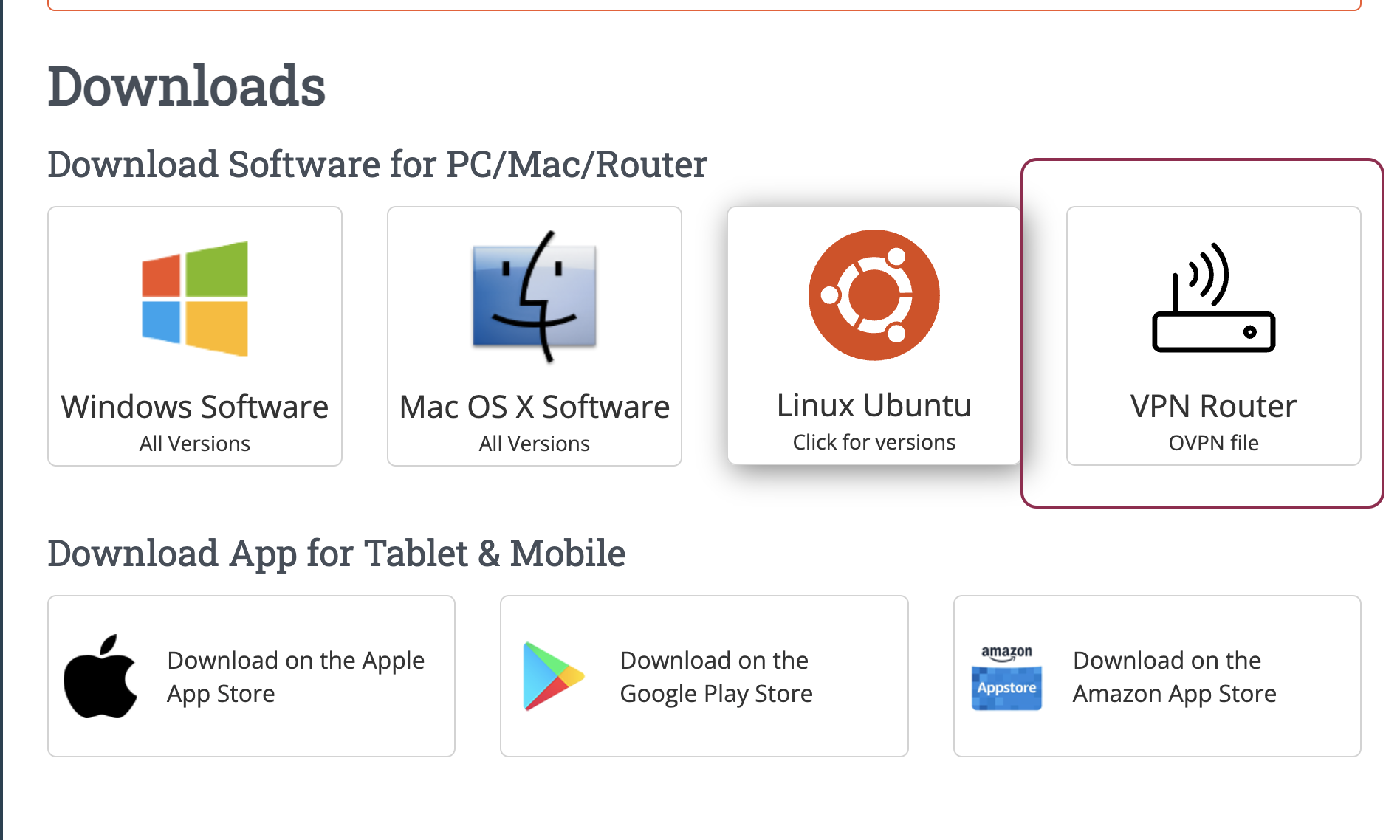
At this moment we don't have an app for Linux.
However, here is what you can do:
Download OVPN files from your account (Router option)
(you will need to unZip the file to get all OVPN files)
Use the Built-in NetworkManager
- Open your Settings or Network Settings.
- Click the + (plus) icon next to the VPN section to add a new network.
- Choose Import from file...
- Select your
.ovpnfile. The network settings will automatically populate. - Enter your username and password, then click Save.
Still need help? Our support team usually replies the same day.