 Australia
 Canada
 Denmark
 France
 Germany
 India
India
 Italy
Italy
 Netherlands
 Norway
 Spain
Spain
 Sweden
 United Kingdom
 United States
To install the VPN on to Open VPN Connect you should first login in to your StreamVPN account and go to "Install and Guides". From there download the VPN config files by clicking on the button that says "VPN Router" and download the Zip Folder to your Android device.
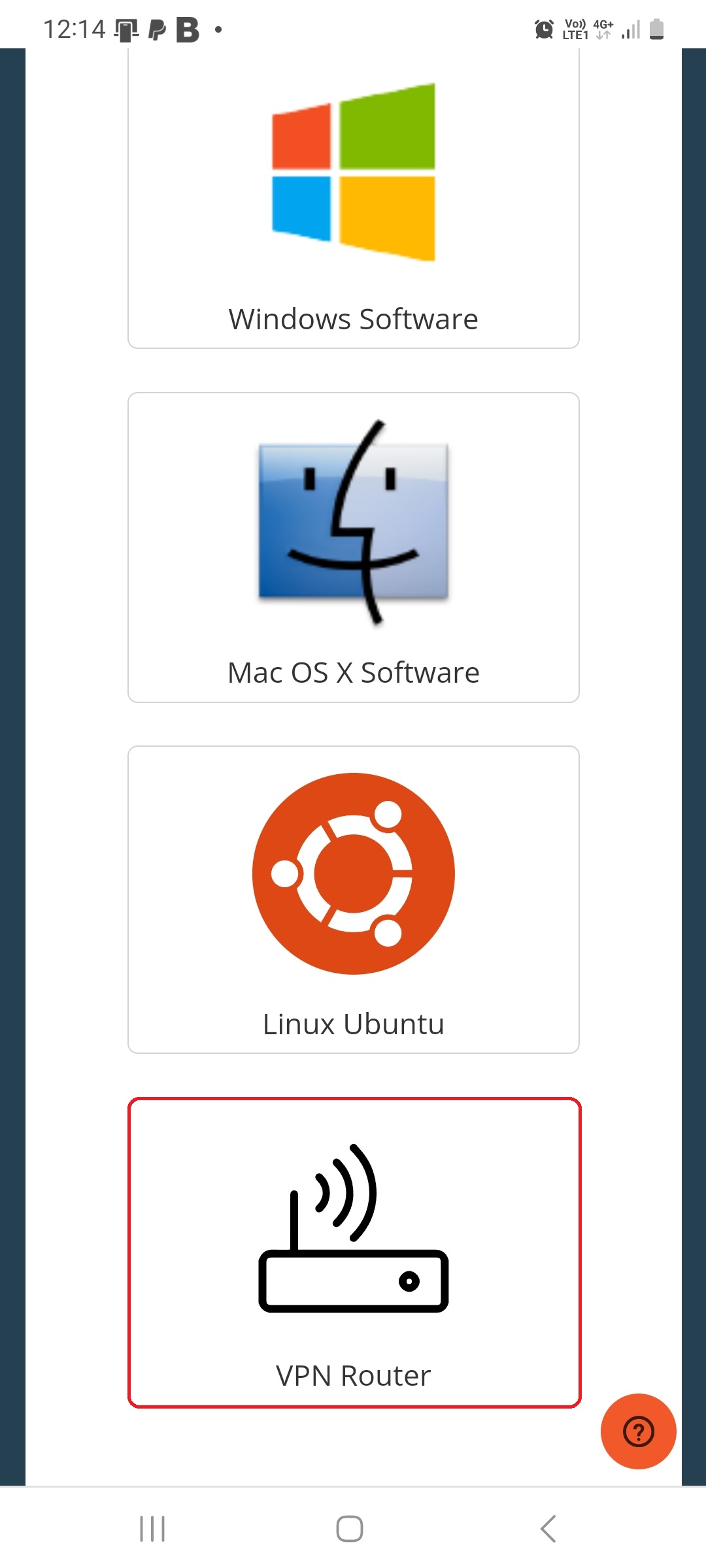
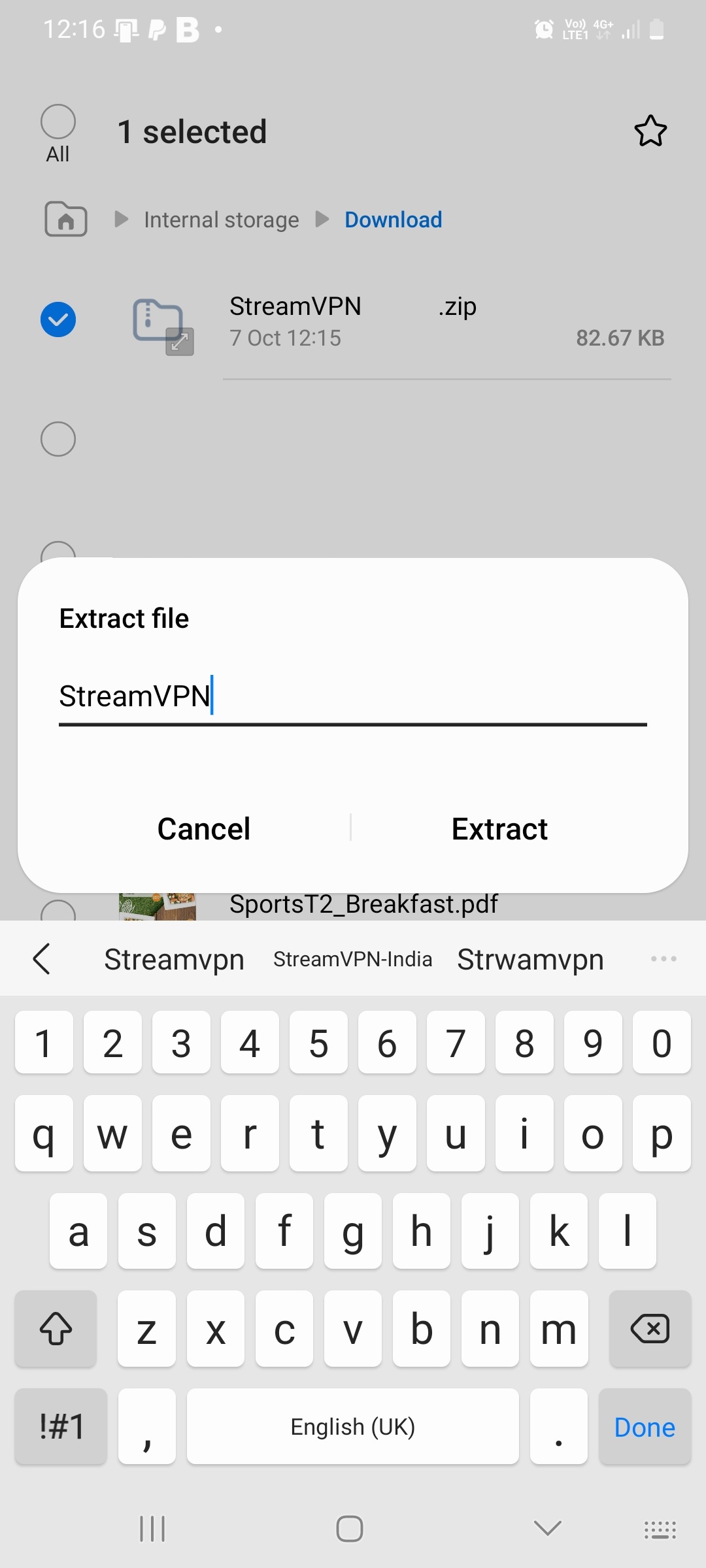
Then Extract the files from the Zip Folder.
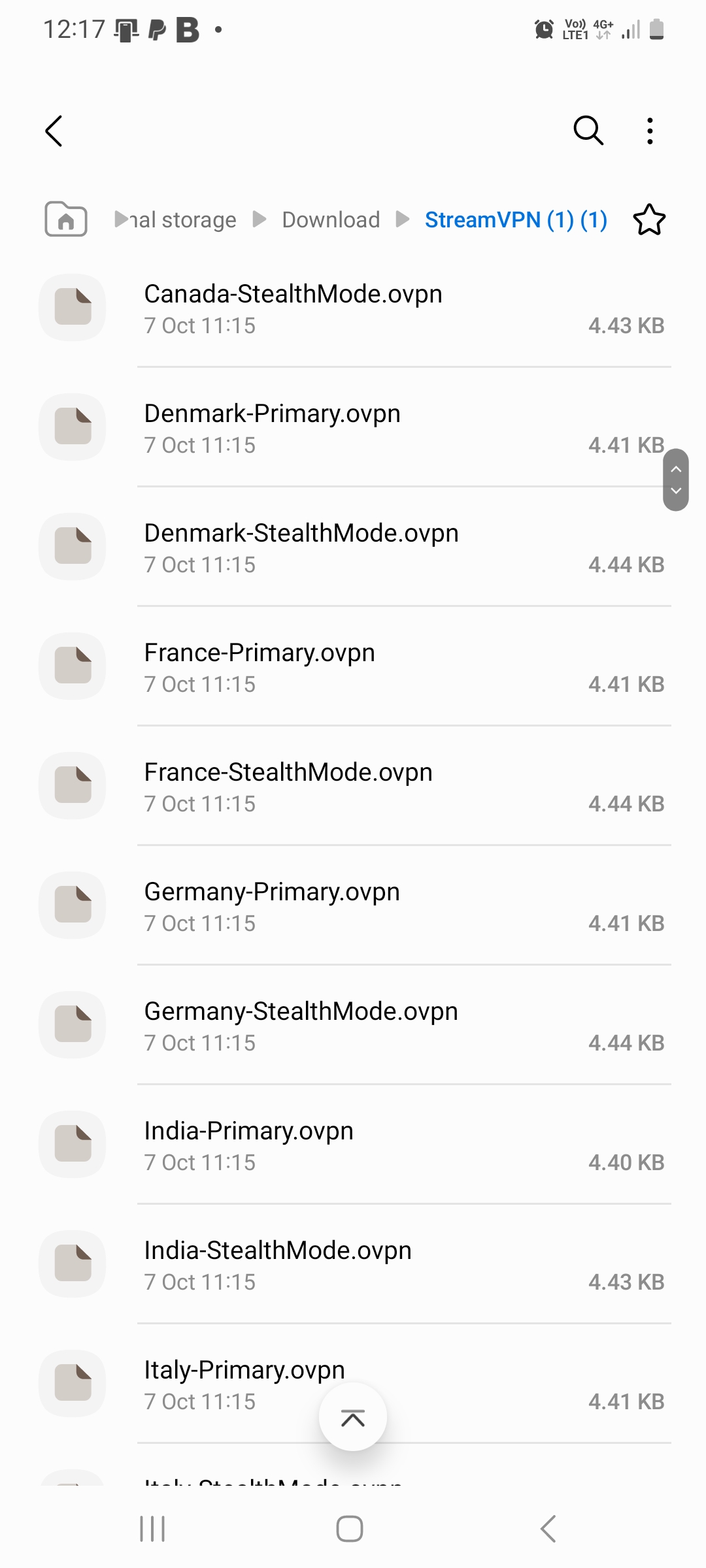
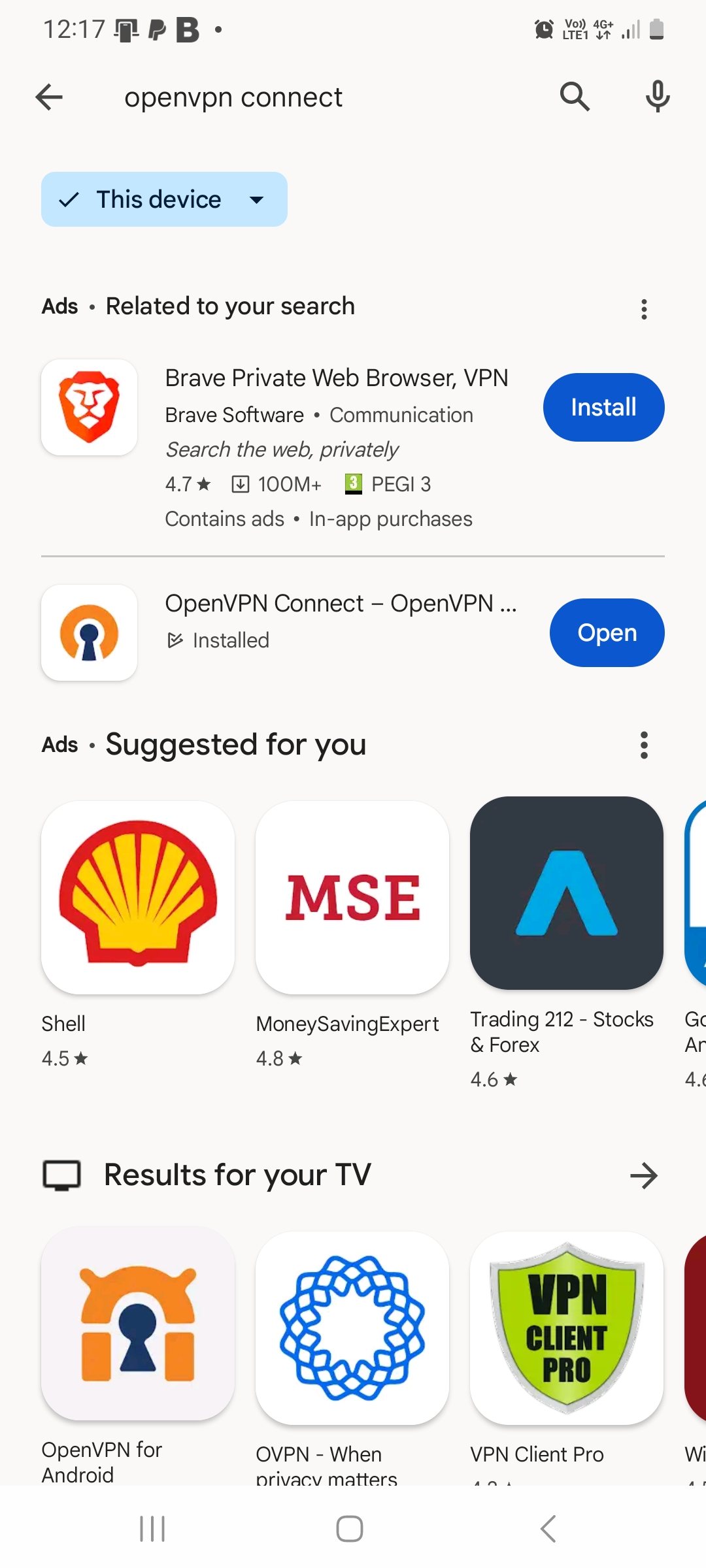
You now see the screen below. CLICK HEREand install open vpn connect – Android Apps on Google Play
Open the App
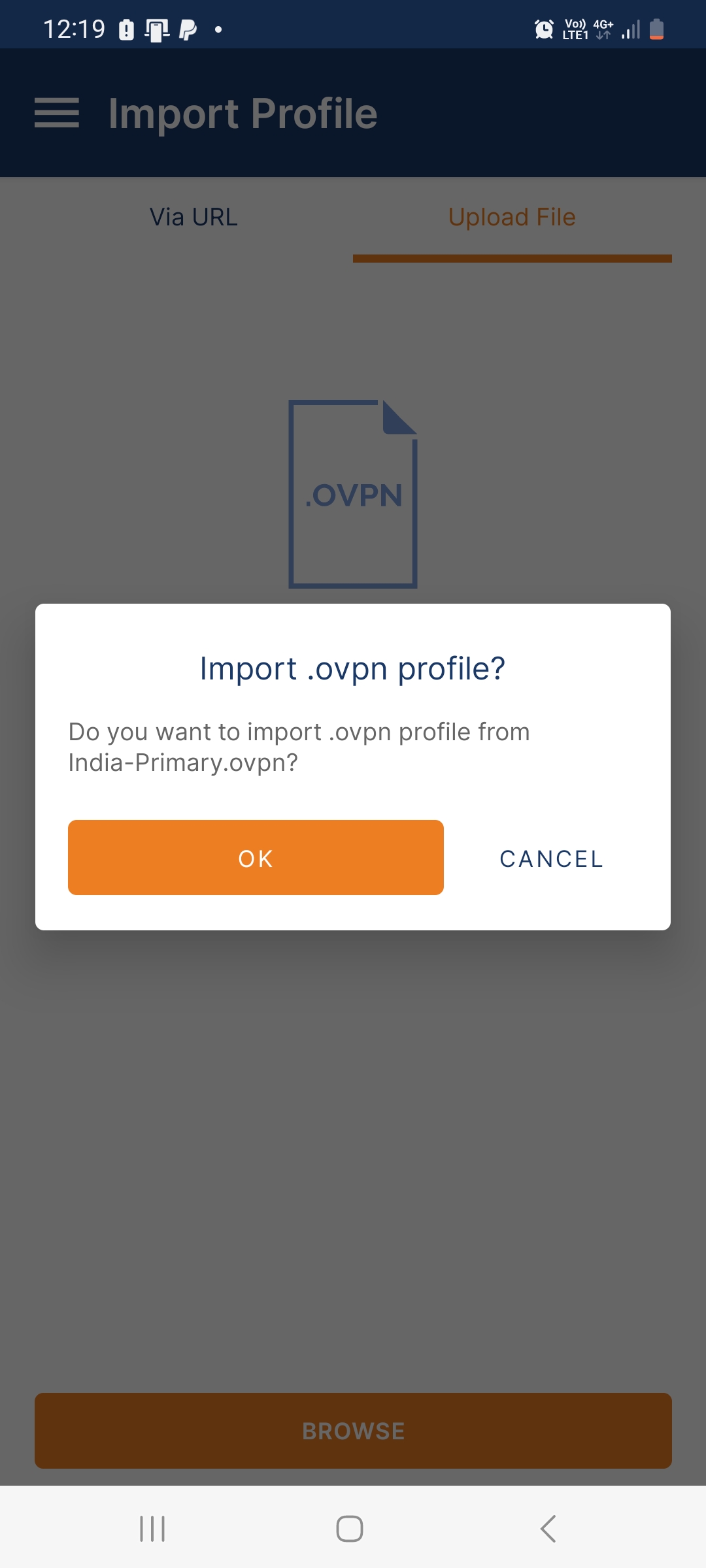
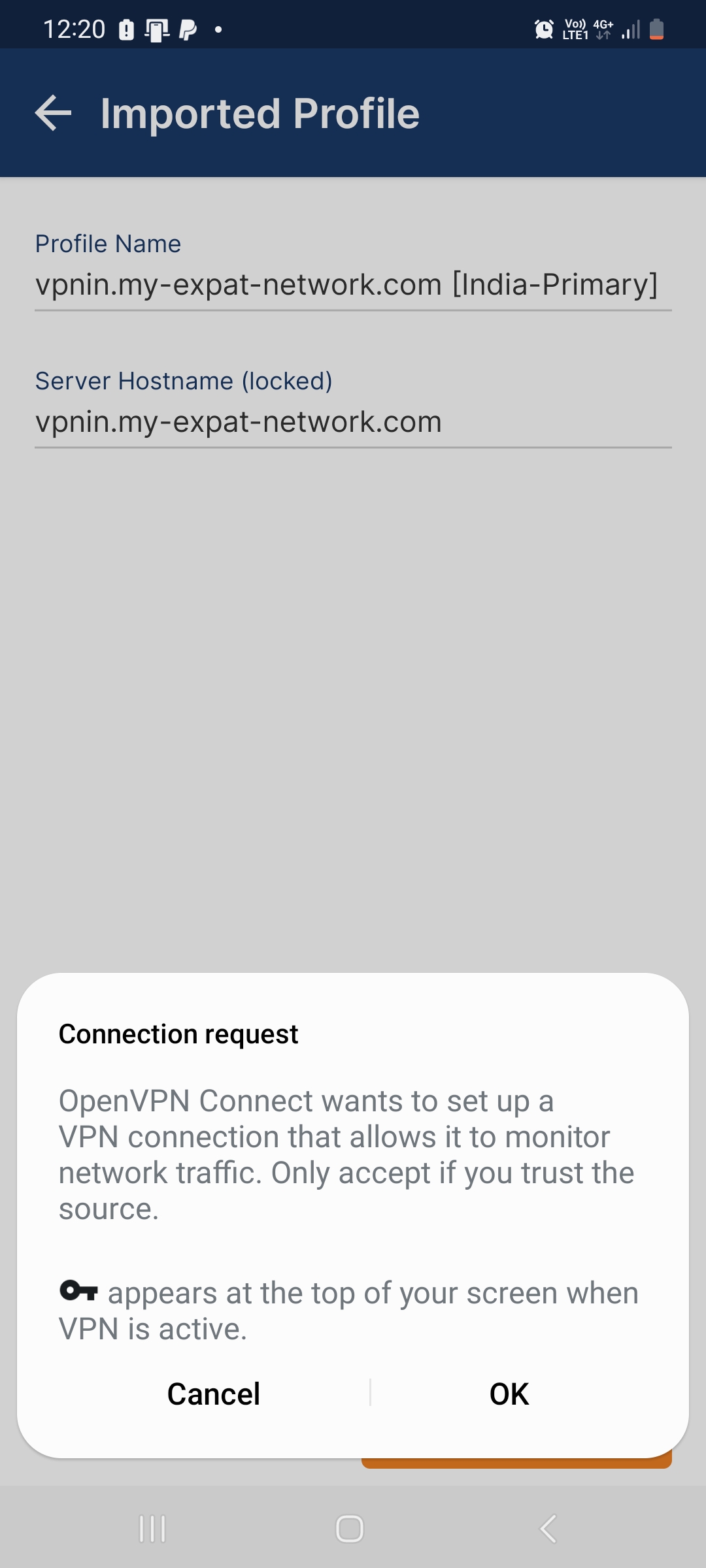
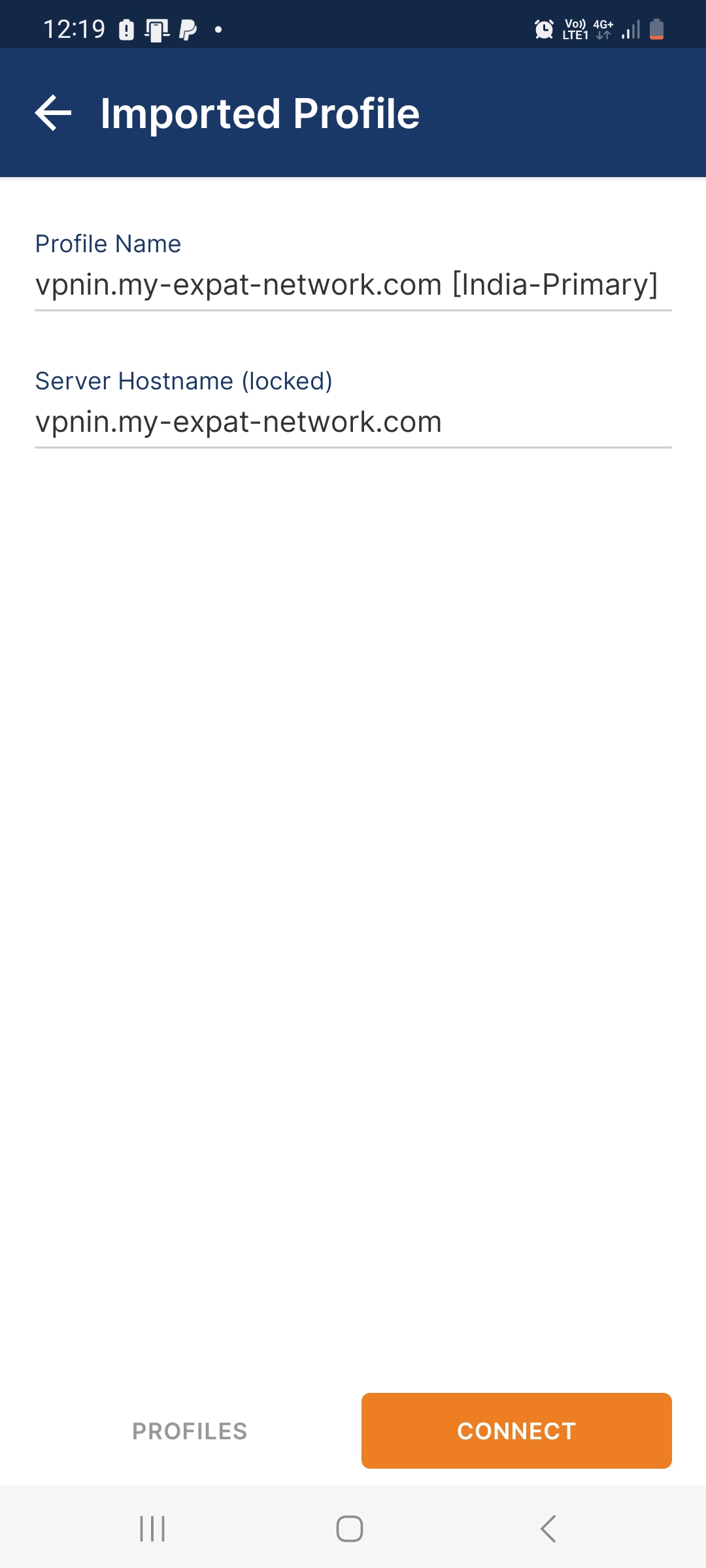
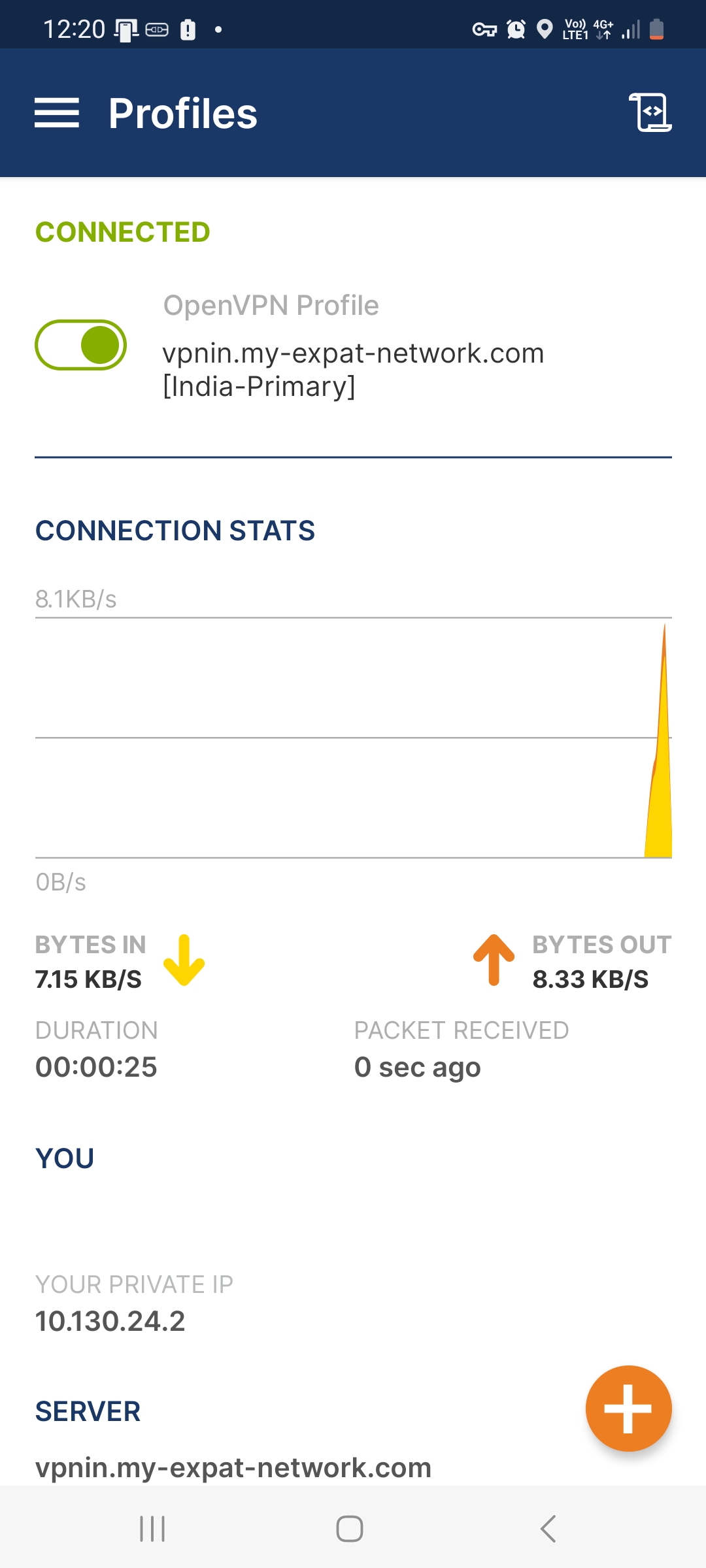
Import the Config file(s)
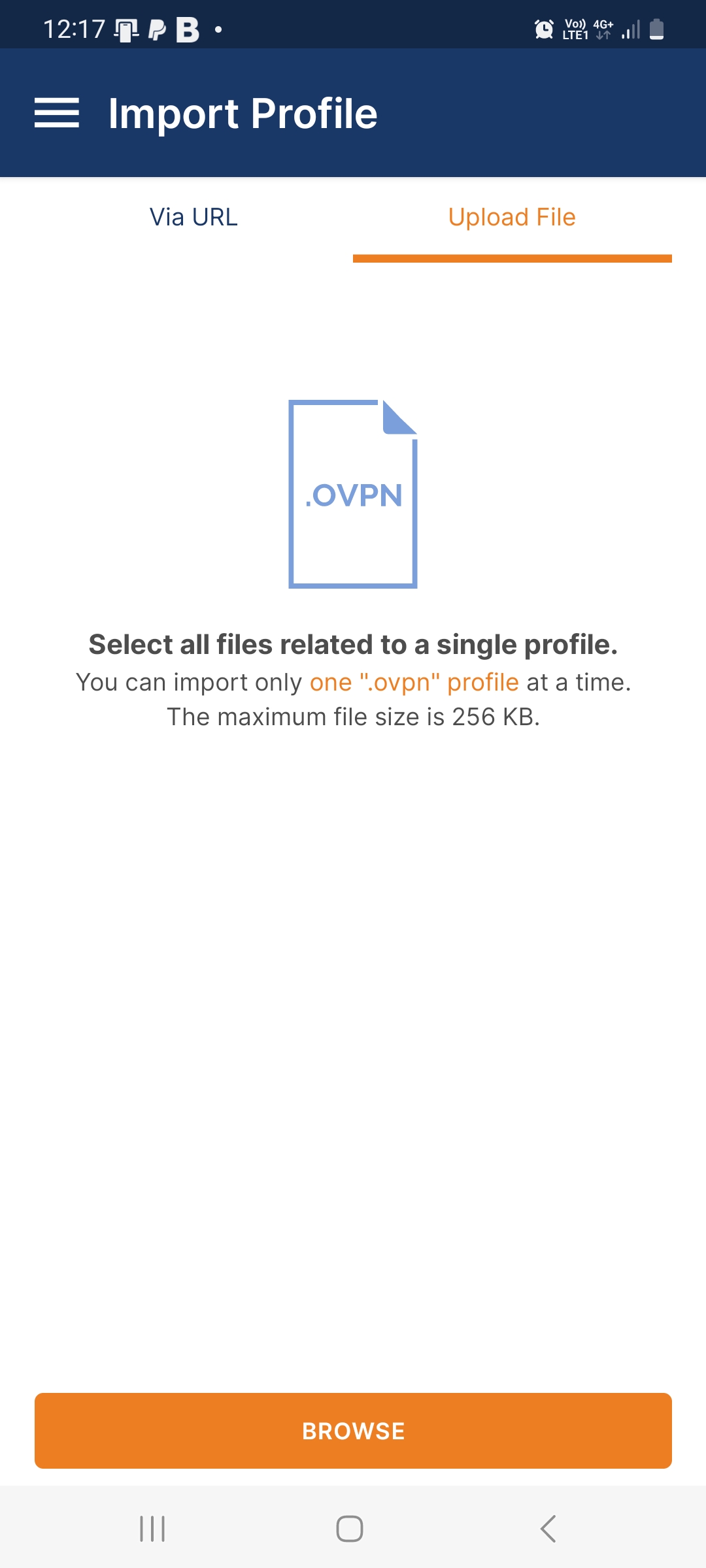
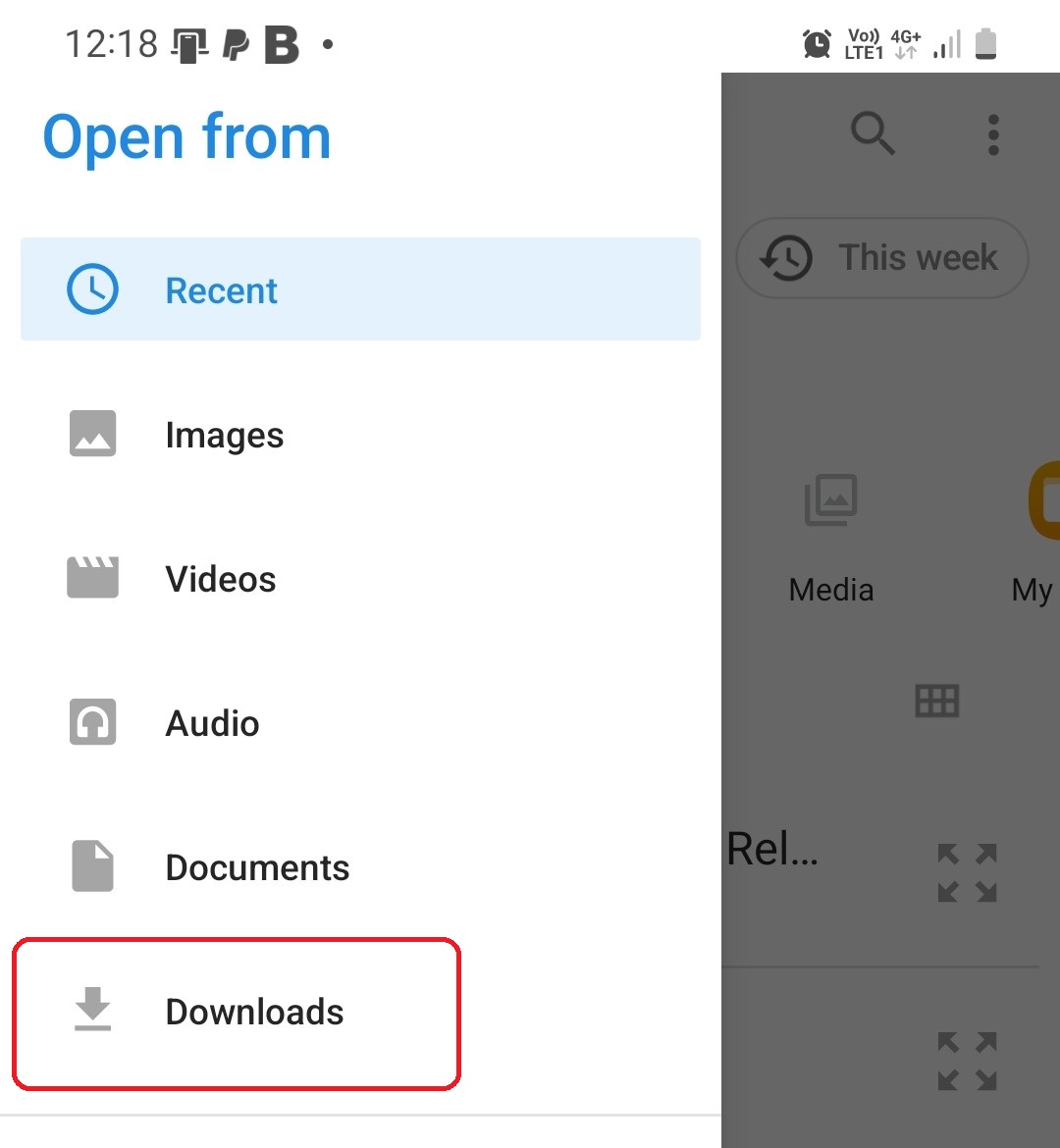
Select the Downloads Folder
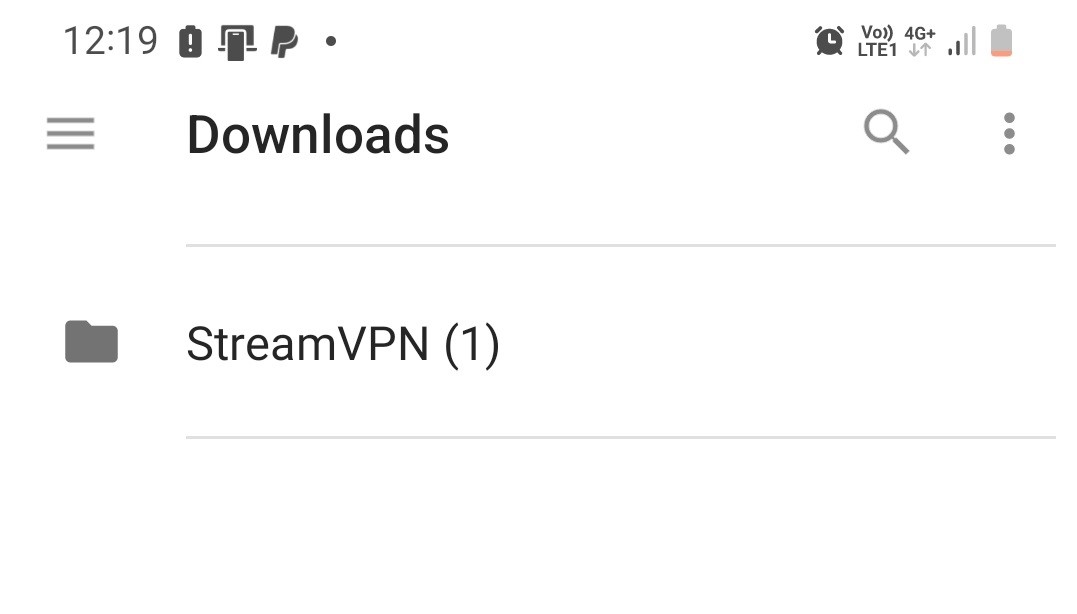
Select Stream Folder
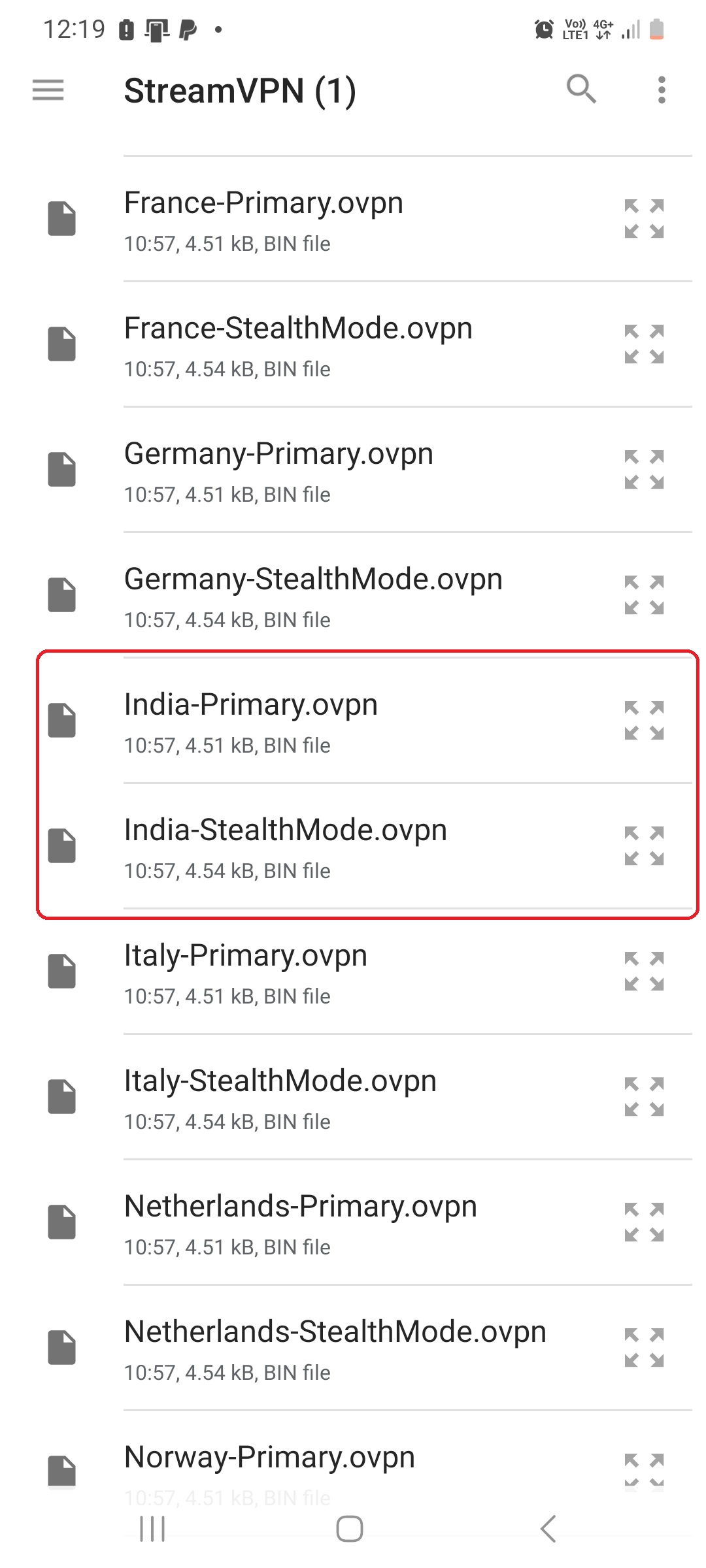
Select the config(s) you want to upload to the App
Still need help? Our support team usually replies the same day.